The Obsidian Hosting Platform allows you to add funds to your account to avoid several small transactions. This will also automatically take care of any new invoices generated.
In this tutorial, we’ll show you how to add funds to your account.
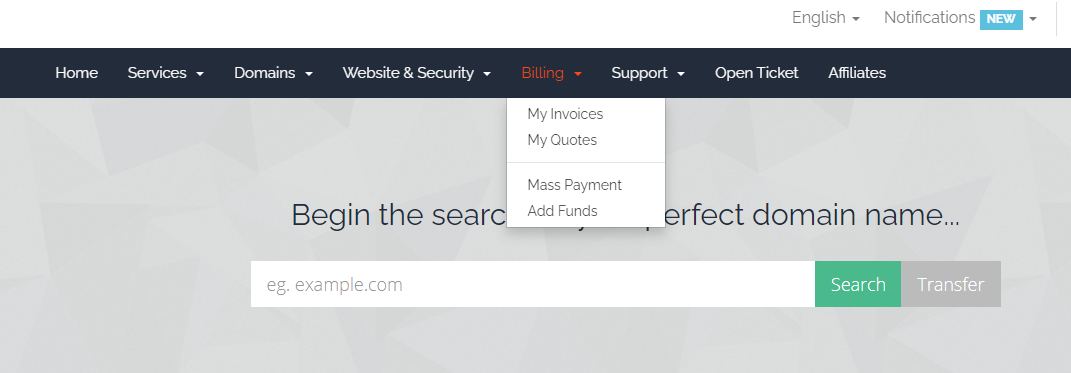
1) Login to your Obsidian Hosting Account2) Hover over the Billing tab and click Add Funds
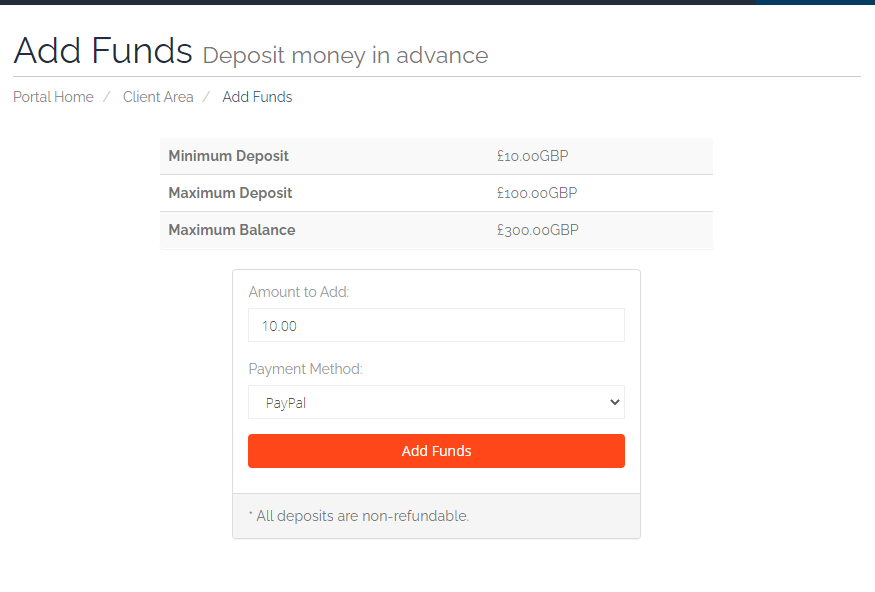
3) Complete the fields on the next page and click Add Funds.
4) You will then be redirected to a confirmation page where you will fill out your personal details and click the button that says Click to Continue.
5) The system will then generate a paid invoice for your records. Please note that all deposits are non-refundable.
