Submitting a ticket is one of the ways that you can get ahold of our Support Staff Fast! We try to make your web hosting experience as easy as possible so you can focus on what matters, your website or business!
In this tutorial, we’ll show you how to submit a support ticket.
1) Login to your Obsidian Hosting Account
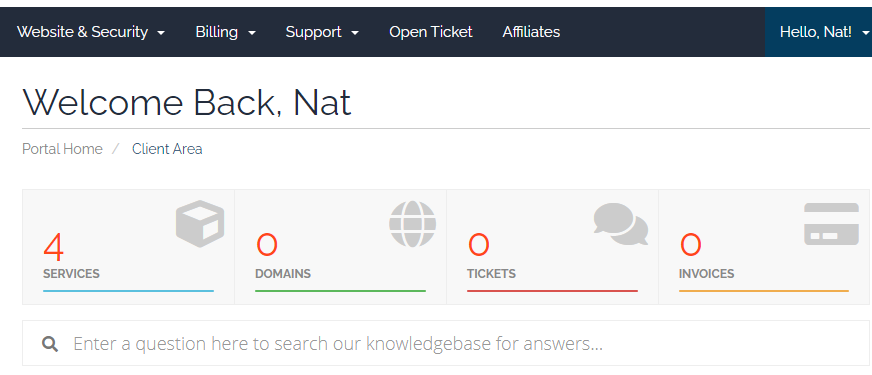
2) Click the Open Ticket button at the top of the menu after logging in.
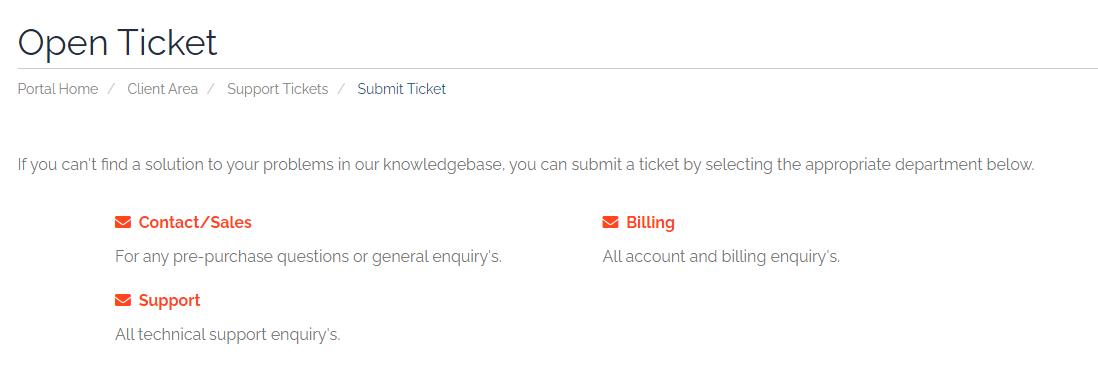
3) Select the area where you need help.
In this example, we are going to click Support